Slate Media Technology Raven MTX
Official Distributor in Lebanon 1 Year Official Warranty
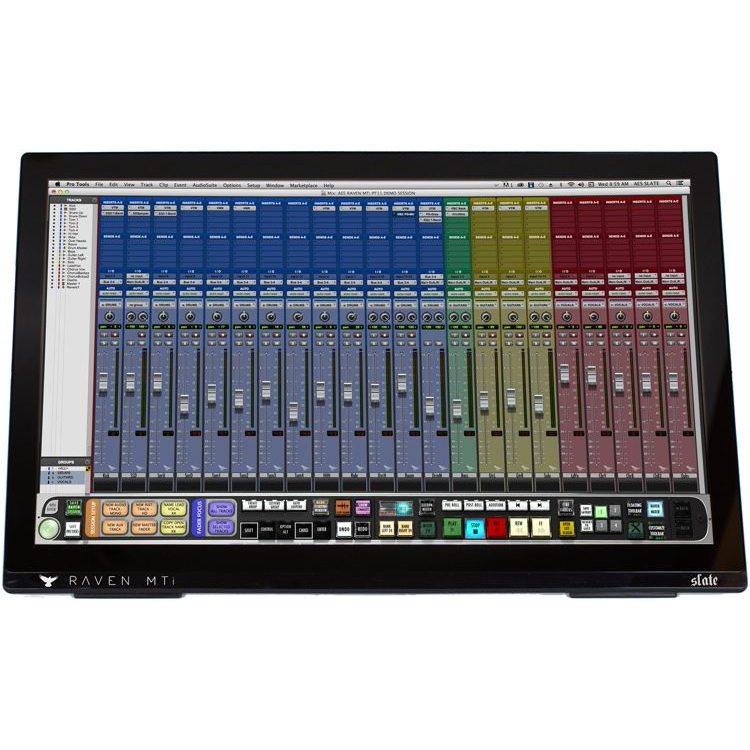
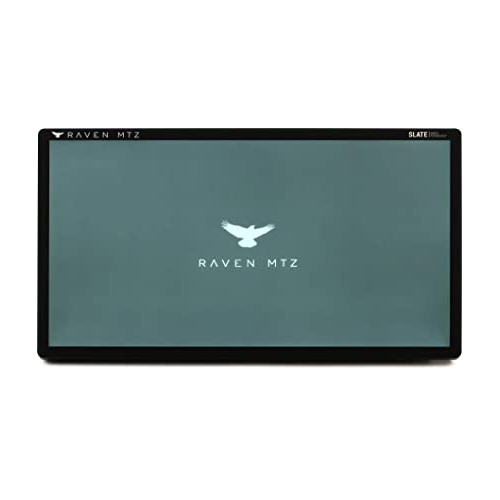
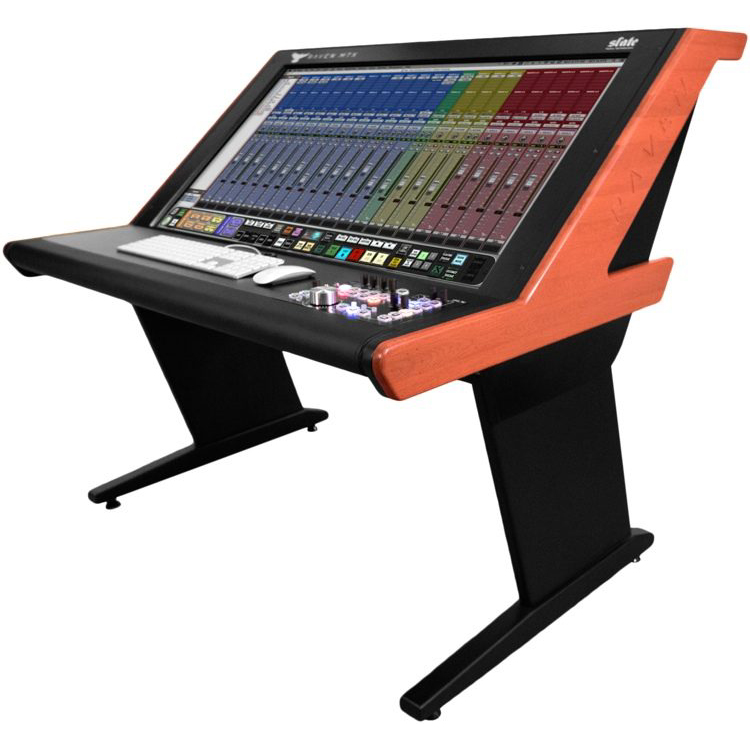
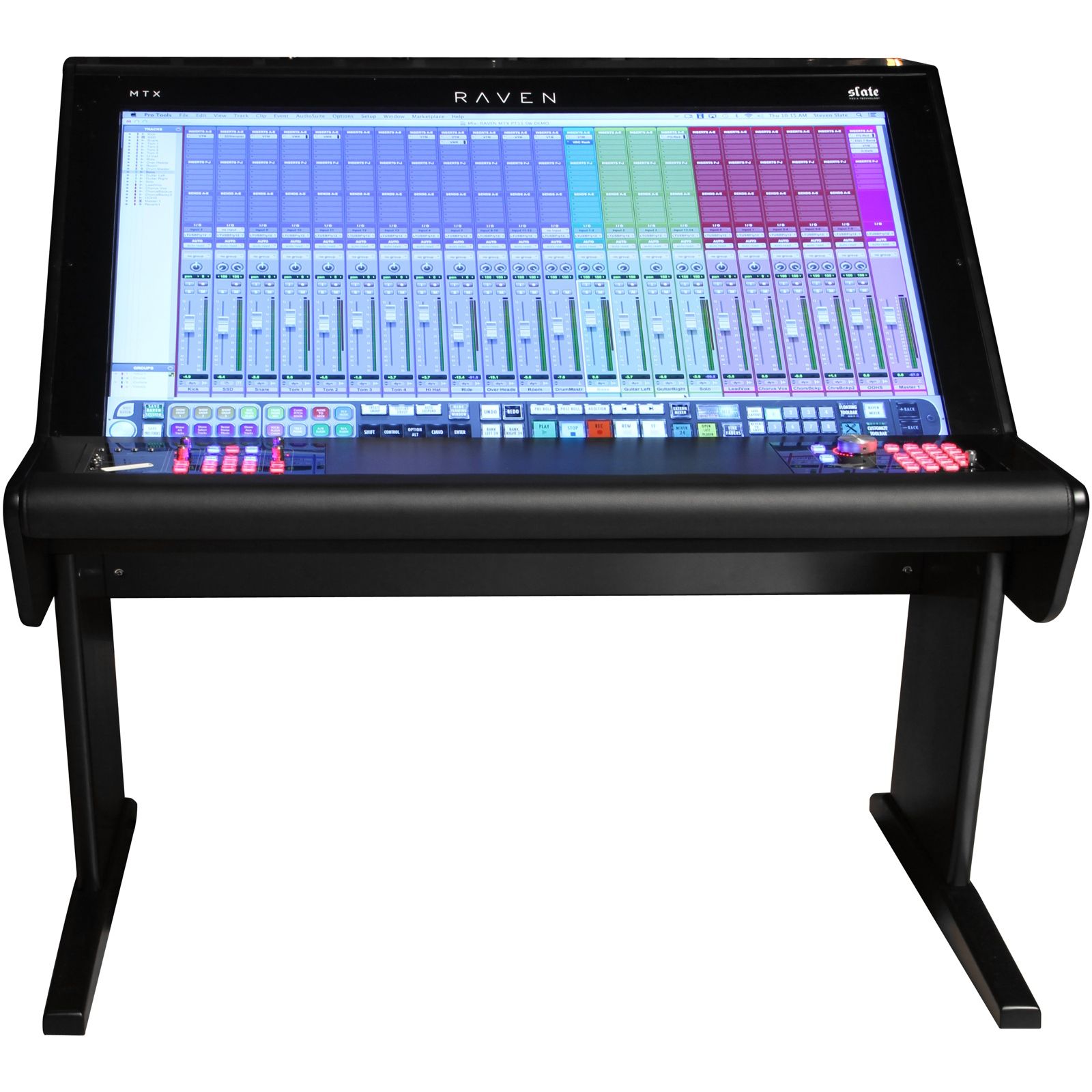
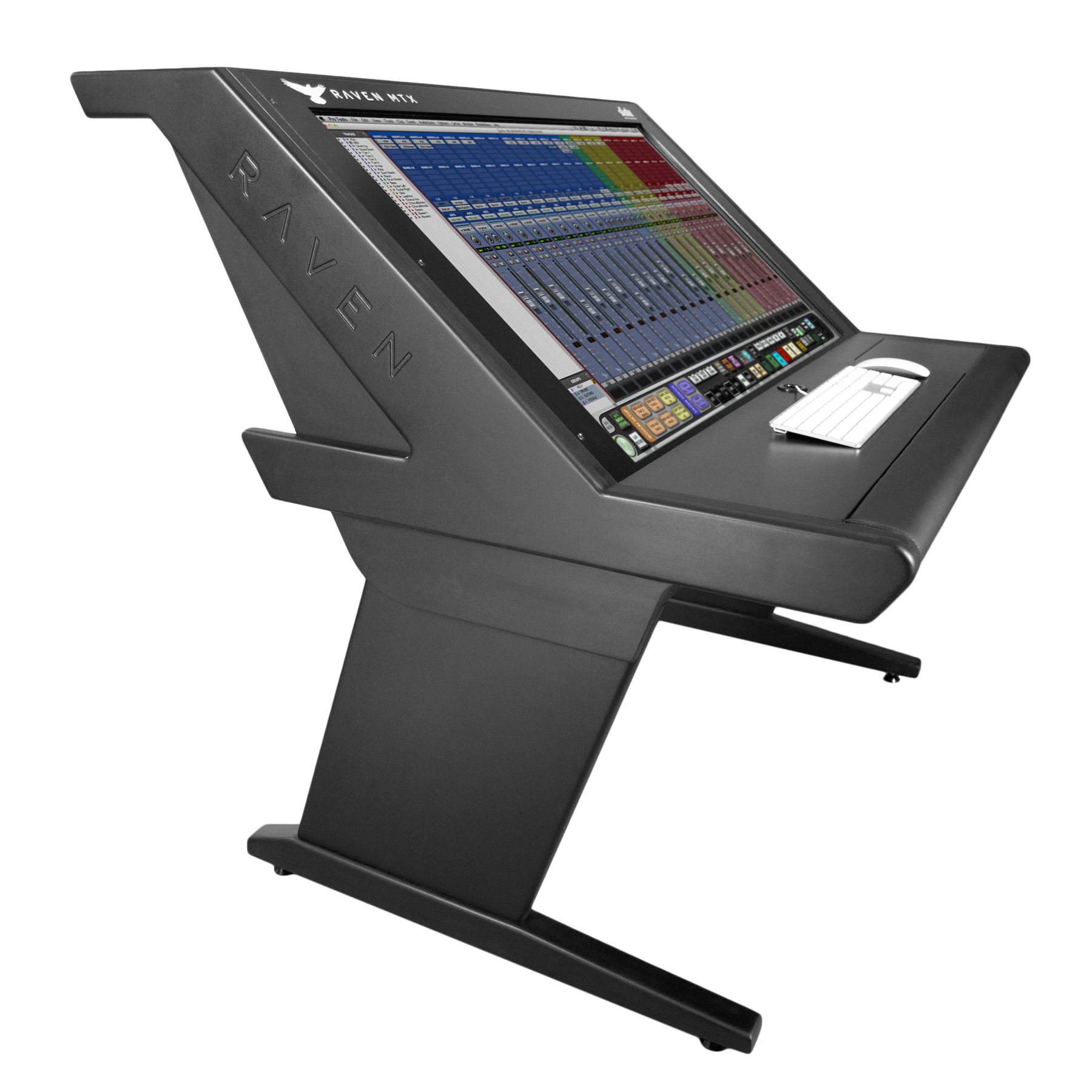
The RAVEN MTX Mk2 is a state of the art touch screen display featuring the RAVEN MIXE
OOPS! SOLD OUT
ASK FOR AVAILABILITY
Ragtime.online
Check availability through Ragtime.online, WhatsApp, showroom pickup options, and delivery across Lebanon before ordering.
Online order
WhatsApp
Showroom pickup
Lebanon delivery
🎛️ Official Slate Digital Distributor in Lebanon 🇱🇧
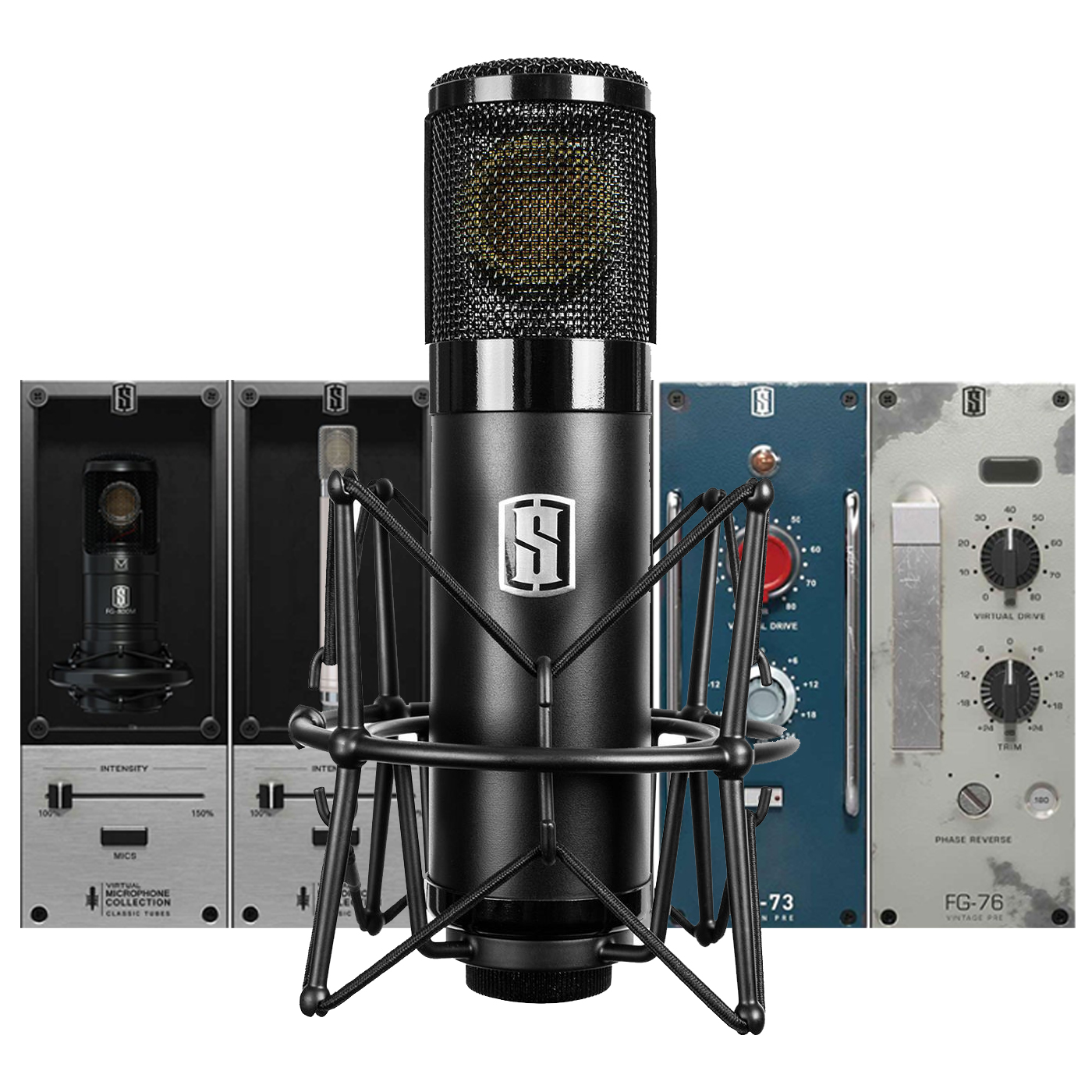
Take your productions to the next level with Slate Digital, featuring professional studio microphones, audio interfaces, plugins, virtual instruments, and music production solutions.
Trusted by producers, recording engineers, and studios worldwide, Slate Digital delivers exceptional sound quality, creative workflow, and professional production tools.
✅ 1 Year Official Warranty
Applicable to eligible hardware products only.
Enjoy 100% genuine products, genuine licenses, competitive prices, and expert local support from Ragtime for complete peace of mind. 🎶
The Fututistic Concept!
Over the past decade, the technological revolution has advanced our way of working countless times, transforming audio into a medium that is produced and delivered in the digital domain. Powerful Digital Audio Workstations were designed to enable music makers to create more efficiently and economically. Costly large format analog consoles were never designed for this modern production process. That’s why in 2013, SLATE MEDIA TECHNOLOGY introduced a new solution that removed all obstacles between the engineer and DAW: the RAVEN MTX – – the first ever Multi-Touch Audio Production System. Now in 2016, we bring to you the next step in this evolution, the RAVEN MTX MK2 featuring SLATE CONTROL.
The real overview
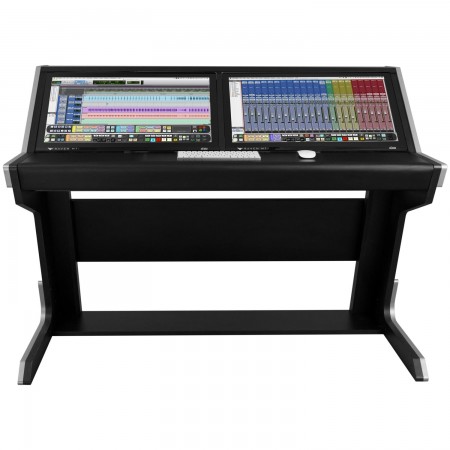
The RAVEN MTX Mk2 is a state of the art touch screen display featuring the RAVEN MIXER – A powerful multi-touch mixer that can control all major DAW’s – and a flexible and user-customizable, multifunction TOOLBAR. The RAVEN display is housed in an elegant, custom desk whose design echoes that of a vintage analog console and is available with custom finishes and furniture accessories. Finally, The RAVEN MTX MK2 now incorporates SLATE CONTROL, an optional fully analog, full-featured system designed for today’s audio engineer, with multiple speaker outs and input sources, USB, multiple headphone sends and cue options, and much more. And as always, at the heart of the RAVEN MTX Mk2 is the most important thing of all… your DAW, right at your fingertips.
THE MODERN PRODUCTION CONSOLE
The RAVEN was built from the ground up to modernize the idea of the classic recording console. Recording, mixing or mastering with the RAVEN MTX Production Console is effortless and intuitive. A large-format multi-touch mixer gives you complete access to faders, pans, mutes, solos, sends, automation, and even plugin inserts. Of course on a 46” screen, plugins function as if you were tweaking 19” outboard gear – you can easily tweak the controls with your fingers. Having the DAW at your fingertips makes it easy to directly interact with the music.
Raven 3.0
With the introduction of RAVEN 3.0, we have taken the already game-changing RAVEN software to a new level by adding compatibility with EVERY MAJOR DAW.
FADERS 3.0
FADERS 3.0 are our newest multi-touch faders that allow the most precise control of your DAW faders. By integrating multi-touch 100mm virtual faders directly into each DAW, the engineer has seamless control over mix levels and automation. The new 3.0 algorithm gives the faders a virtual ‘feel’ that allows an intuitive feeling action that is comfortable and even fun to use. And for the most critical automation, FINE FADER mode can quadruple the resolution of the faders so you can get even the most minute moves down in the first pass with ease and perfection.
RAVEN TOOLBAR
In Toolbar mode, the RAVEN Toolbar is anchored directly in front of your hands at the base of the touch display. Your DAW controls are where you want them: Transport, Edit/Mix window selector – convenient tools for tracking too, like Record Looping, Clic
RAVEN BATCH COMMAND SYSTEM
The RAVEN Batch Command System is a true revolution in control. The BCS is a series of preset and customizable buttons that can execute up to 1,000 key commands and mouse clicks automatically. With just one button, BCS allows you to create instant headphone sends, name tracks, put entire drum tracks on the grid, export stems, and so much more! The BCS comes pre-programmed with 100 preset batch commands in every DAW we support, with layouts for Music, Mastering, Post Production and more. Record your own mouse click automation or program user commands with our QUICKLIST, which features hundreds of predefined DAW operations. Just touch and hold on a Batch Command button to edit, and you’ll have access to almost limitless possibilities.